
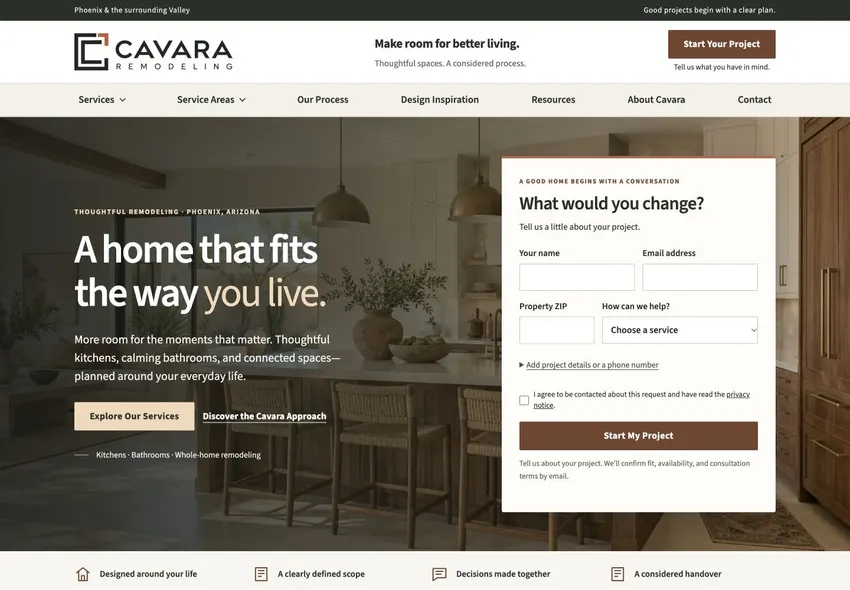
Cavara Remodeling
Remodeling / Website concept
Room photography sets the tone. Project types help a homeowner find the right starting point.
Design library / 10 website templates
Explore ten built website templates. Open a design to compare its service menu, imagery and enquiry path with the website you need. Then try the separately labelled fictional store, SaaS and local demonstrations below. These are studio examples rather than client projects or measured performance results.
Remodeling / Website concept
Room photography sets the tone. Project types help a homeowner find the right starting point.
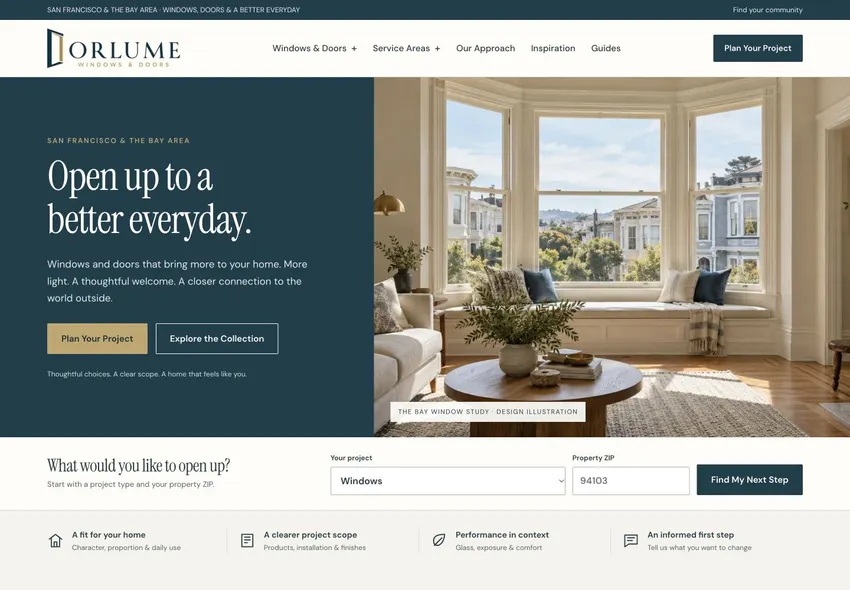
Windows & doors / Website concept
Separate paths for windows and doors make a broad catalog easier to browse.
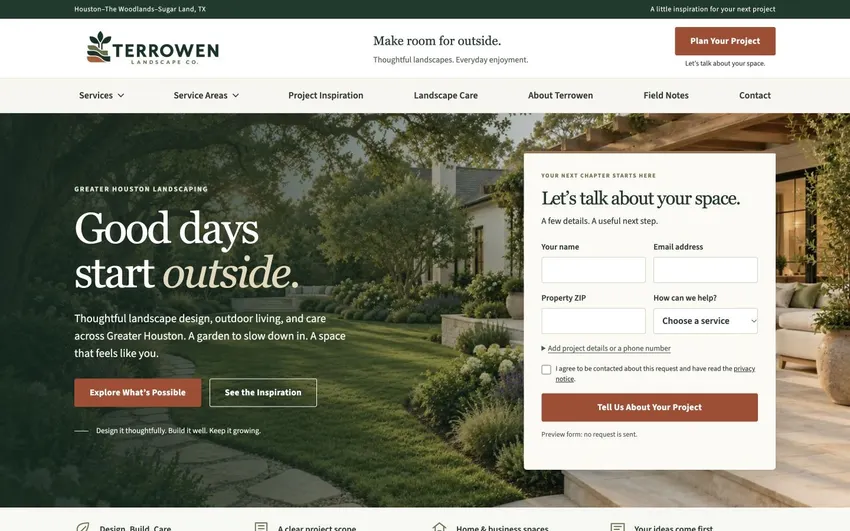
Landscaping / Website concept
Outdoor imagery shows the difference between a maintenance visit and a landscape project.
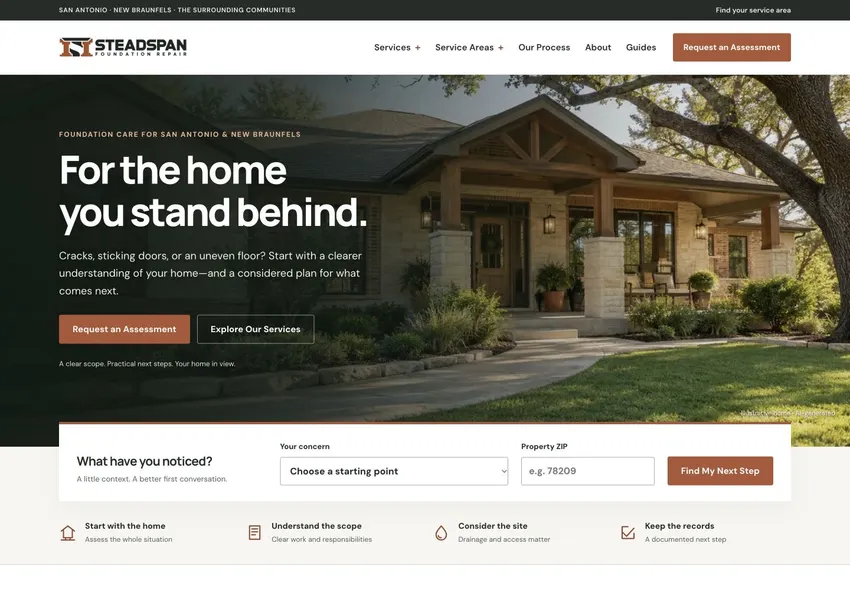
Foundation repair / Website concept
A symptom-led structure helps someone describe the problem before they know the repair.
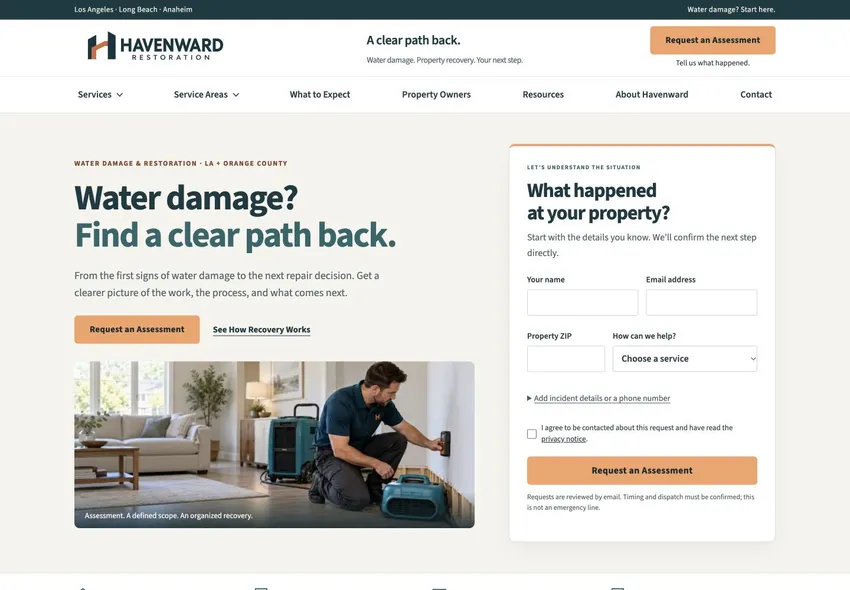
Water damage / Website concept
The inquiry path stays close to the service information when a visitor needs a quick next step.
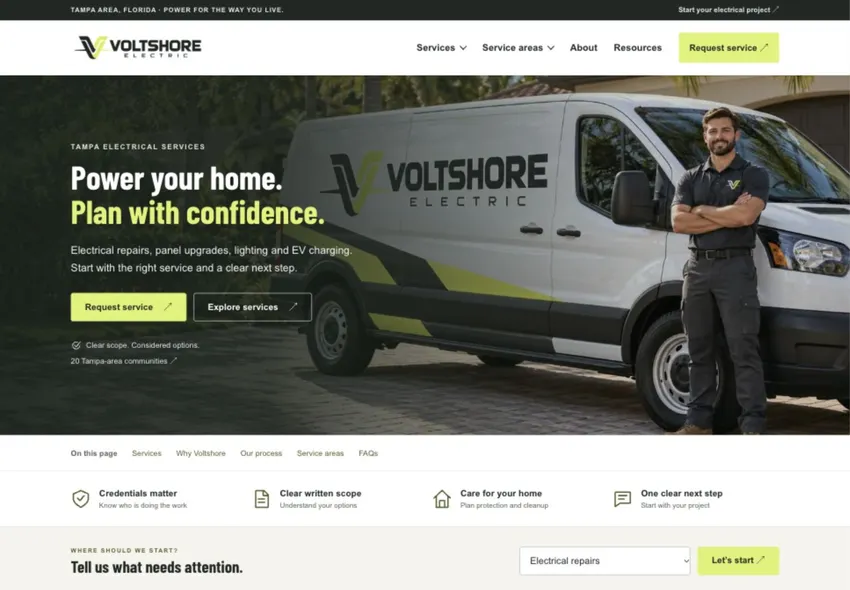
Electrical / Website concept
A clear service menu separates repairs from planned installations.
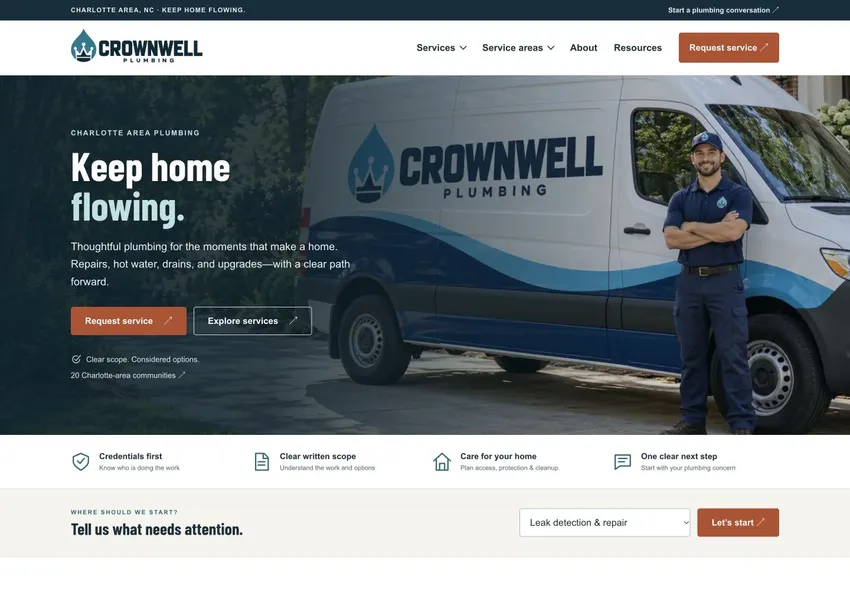
Plumbing / Website concept
Service and coverage links answer two early questions: can you fix this and do you come here?
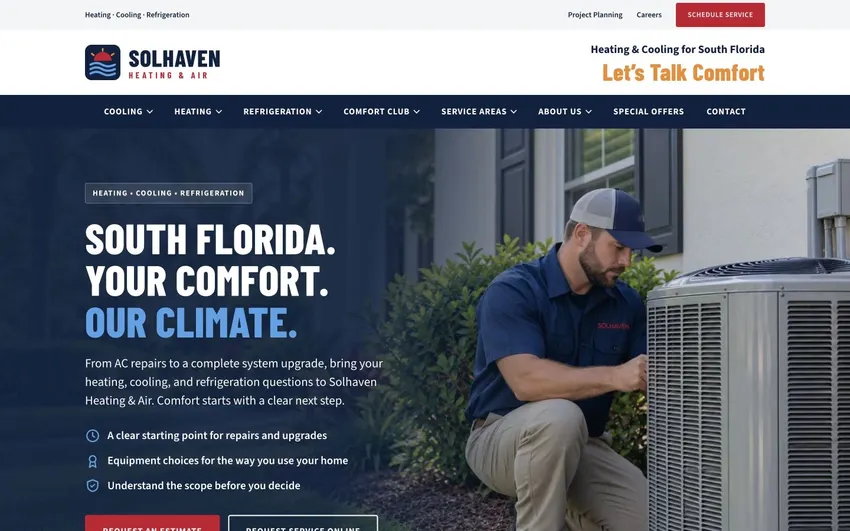
Heating & air / Website concept
Seasonal services sit alongside plain-language explanations for homeowners comparing options.
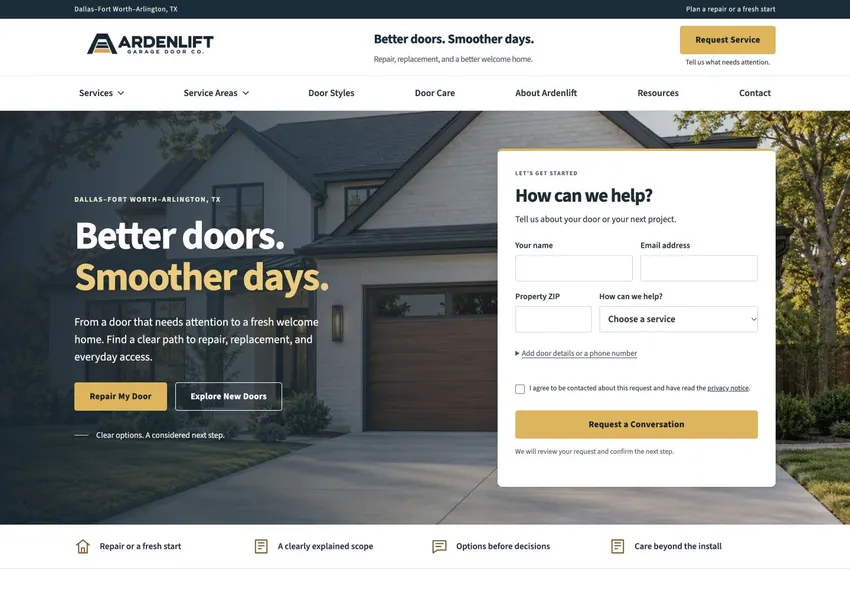
Garage doors / Website concept
Repair and replacement get separate paths for visitors at different stages of a decision.
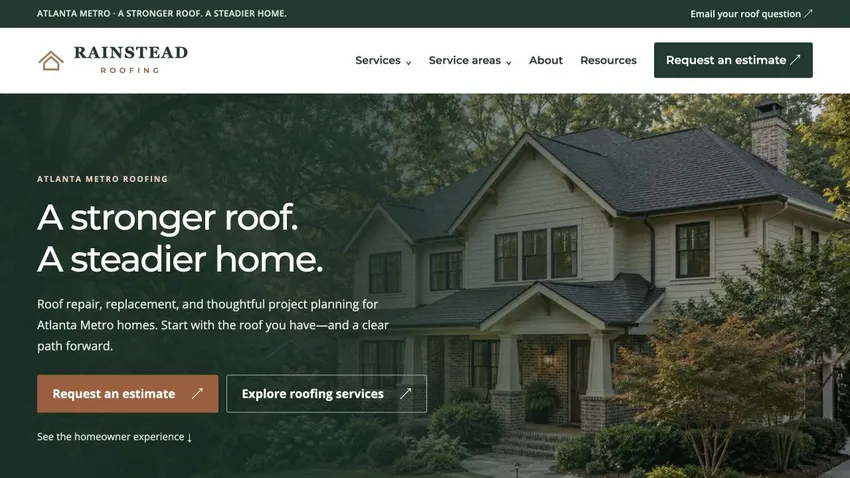
Roofing / Website concept
Service detail, visual examples and an inquiry form sit in the order a homeowner needs them.
Try the buyer journey
These fictional store, SaaS and local examples let you try a decision before and after a design change. They illustrate behaviour, not measured client results.
10 concepts
Product → cart
The decision. Keep size, stock and the size guide beside the purchase action.
Small — available in this fictional example.
Check: Choose the unavailable size. The screen must explain the state before a cart action.
Local demonstration. No purchase, booking or account is created.Product → order choice
The decision. Show frequency and the order type before the buyer continues.
One bag, one payment. No recurring order.
Check: Switch the order type. The summary must distinguish a single bag from recurring delivery.
Local demonstration. No purchase, booking or account is created.Collection → product
The decision. Compare dimensions and connection type before opening a product.
All illustrative parts: A (10 mm), B (15 mm), C (10 mm).
Check: Apply a specification filter, then reset it without losing the search term.
Local demonstration. No purchase, booking or account is created.Collection → availability
The decision. Retain the item description and offer a clearly separate next step.
Sold out · no restock date promised
The item's dimensions and care information stay accessible. A sold-out state is different from a deleted product.
Compare the variant example ↗Check: Open the sold-out item. Availability must be explicit without implying a restock date.
Local demonstration. No purchase, booking or account is created.Product → demo request
The decision. Show a short product workflow and the questions a demo can resolve.
Demo question: can requests be assigned to an owner and tracked to completion?
Check: Explain the product in your own words before reaching the request fields.
Local demonstration. No purchase, booking or account is created.Plan comparison → trial
The decision. Compare the team tasks each plan supports and state the trial boundary.
Compare who can view a report, which data is included, and what happens when a trial ends.
Check: Select a team need and see the comparison change without a hidden plan selection.
Local demonstration. No purchase, booking or account is created.Integration → fit check
The decision. Show direction, trigger and ownership of each data field.
Email: copied from the CRM to reporting when a contact is created. The CRM owns corrections in this fictional example.
Check: Identify whether a change travels in one direction or both before treating the systems as connected.
Local demonstration. No purchase, booking or account is created.Product → viewing enquiry
The decision. Separate display availability from sale stock and confirm a viewing by enquiry.
Chair A: on display. A viewing enquiry still needs confirmation from the showroom.
Check: Choose an item marked not on display. Do not imply a confirmed appointment.
Local demonstration. No purchase, booking or account is created.Appointment type → request
The decision. Compare the purpose and preparation for two appointment types.
First visit requested: bring your requirements and questions. No slot is booked by this example.
Check: Choose the first visit. The summary must show the requested type without claiming a booked slot.
Local demonstration. No purchase, booking or account is created.Product → fulfilment choice
The decision. Make fulfilment a visible choice and keep collection instructions with the summary.
Pickup selected. Wait for a ready-to-collect notice before visiting; this example places no order.
Check: Switch between delivery and pickup. The explanation must follow the selection.
Local demonstration. No purchase, booking or account is created.Start a project
Tell us where visitors get stuck and what you want them to do next. We’ll use that to scope the website or search work.
Request a website review